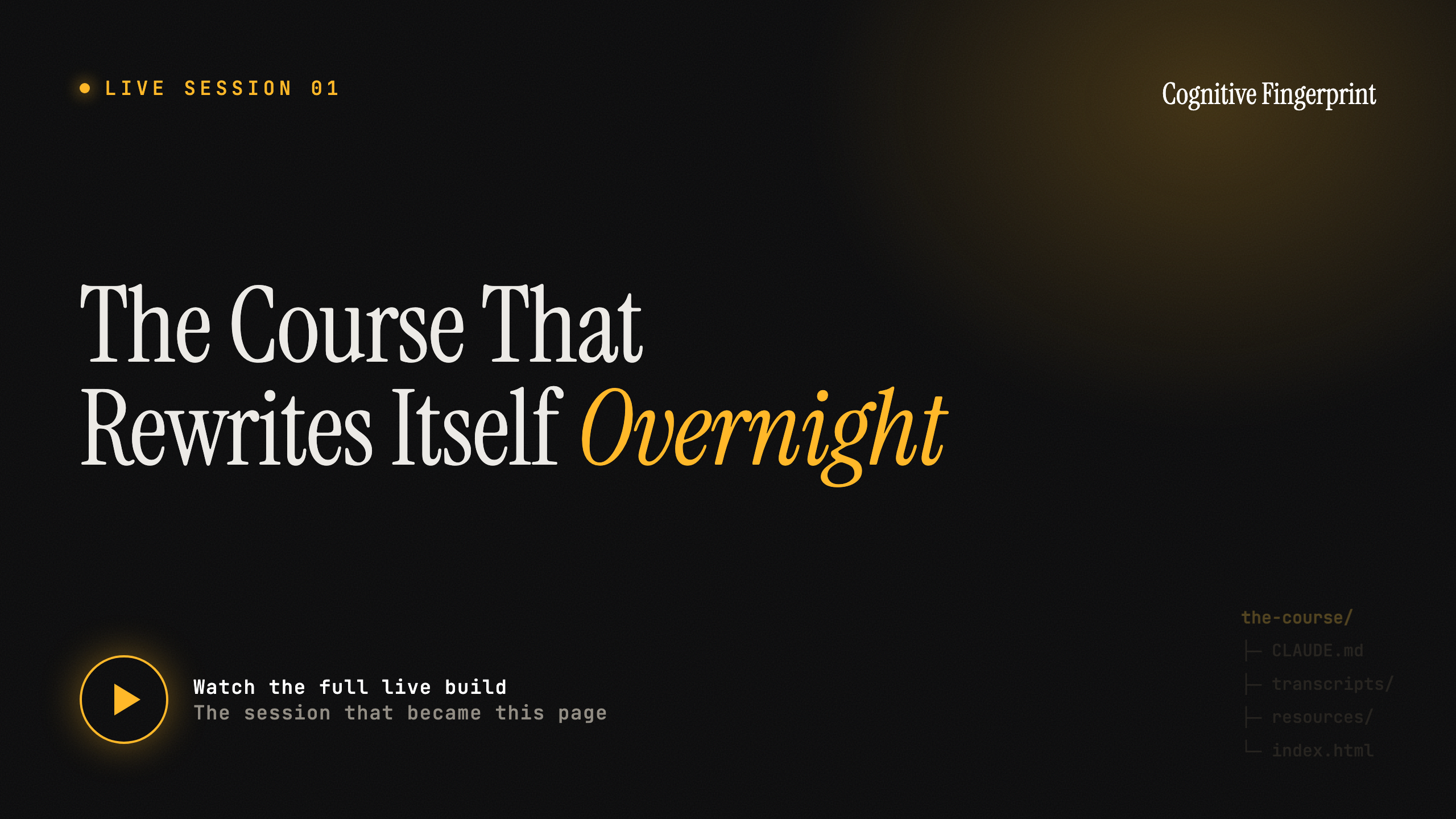
I taught a four-day Claude Code training. Then the teaching site started getting smarter while I slept.
Max BernsteinThe full live build
The full session. The full recording lands here shortly. Everything below is the structured version of it.
~200
Live each day
600
Registered
4
Days
0
Course platforms
Last week I taught a four-day Claude Code training. Close to 200 people live each day, 600 registered. Creative strategists and copywriters, most of them brand new to any of this.
Day one wasn't the fun part. Day one was just getting everybody installed. I wasn't about to throw a copywriter into a terminal, so we worked inside the Claude desktop app... and even that was a fight. Getting some folks to install the app at all was a nightmare.
But somewhere around day two, I noticed something I wasn't expecting.
The site I was teaching from kept getting better, and I hadn't planned for it to. Every night, it rewrote itself.
Here's what happened. After each day, I'd grab the transcript. The whole thing. Plus the chat, plus every question anybody asked. And I'd hand it all to Claude with one question... based on this, what did people need that I didn't cover? Then I'd tell it to build those resources and drop them into the site. By the next morning, yesterday's questions were pages on the site.
What showed up by morning
Day 2 → Day 3
A tool I never planned to cover
Someone asked about Firecrawl and EXA. By morning, a side-by-side comparison chart was sitting in the resources.
After the call
A two-minute video, in place
Recorded after we wrapped, handed to Claude, dropped exactly where it belonged for anyone who missed it live.
Day 3
Built in the thing it teaches
The lesson was building sites in Claude Code. The site was built in Claude Code. So I opened the actual files.
The site got smarter off real feedback, not off what I guessed people would need ahead of time.
Now think about where a course normally lives.
You build it, then you pour it into Kajabi or Circle or Skool, and from that point on you're working inside their box. Their modules. Their layout. Their idea of what a lesson is supposed to look like. And sure, maybe you update yours now and then. But you're doing it on their clock and inside their box.
On a platform
Their modules, their layout
You move on their clock
Rebuild means fighting the template
Capped on how fast you respond
In a folder
Whatever shape the lesson needs
Moves as fast as you do
Restructure the whole flow in a sentence
A question today is a page tomorrow
Mine wasn't capped, and it wasn't boxed. The site rewrote itself almost in real time. A question from the afternoon's call was a new page by the next morning, sitting right where it belonged. And I wasn't jamming my teaching into a module system... I built the exact flow, the exact look, the exact learning experience I wanted.
The structure bent to the lesson, instead of the lesson bending to the platform.
This isn't only about courses, either. Anything you build inside someone else's tool wears their shape and runs on their clock.
And before you decide this is some elaborate setup only I could pull off... it isn't. The whole thing is just files and folders.
As crazy as Claude Code looks, strip it back and it's just files and folders on your computer. You point it at a folder, and that folder is everything it can see. You open the same folder in Obsidian for a nicer view... still the same folder.
So the teaching site was a folder. The transcript went into the folder. Claude read the folder and wrote new files back into it. There's no hidden layer. There's a folder, and a model that can read and write inside it.
Once you see it that way, the question stops being "could I build this" and turns into "what do I point it at." A living folder beats a boxed-in platform, and the engine is one nightly loop.
The nightly loop
01
Feed it what actually happened
→
02
Ask what's missing
→
03
Let it build while you sleep
You still need to know how to make Claude Code's output not look like generic AI slop. How to turn a flat strategy doc into something that looks like your client's own brand. How to catch your own mistakes before a client does, without trusting one model to grade its own homework.
That's what's below. Three resources straight out of that training. Each one's a thing you can run in the next twenty minutes.
Run it yourself
Three resources from the training. Hover to focus, click to open the full recipe.
The first time you send a client a strategy doc, it competes with every other Google Doc they've ever opened. Same gray sidebar. Same comment bubbles. Same blank reaction.
You could rewrite that doc ten times and it's still a doc. So change the container. You send a small site that looks like their brand, pulled from their real assets, with their real product shots and their real colors. Same strategy. Completely different reaction.
What you need
Claude Code (desktop app or terminal, your call)
Firecrawl, connected to Claude Code (firecrawl --status should say authenticated)
A folder to work in
The client's website URL
Step 1. Scrape their brand back at them
Point Firecrawl at their site and pull the real assets. Not screenshots you take by hand. The actual logos, colors, and images straight off their pages.
Paste into Claude Code"Use Firecrawl to scrape [their-site.com]. Pull their logo, their exact brand colors (hex values), their fonts, and download the product images and any hero images from the site into an /assets folder. Then write me a short brand.md summarizing the palette, type, and tone so we work from their real brand, not a guess."
The point of brand.md is that everything downstream reads from one source of truth. You're not eyeballing their blue. You have the hex. If you want product shots from a retail page, say so. On one project the model pulled the product photos off a retail shelf listing I never set foot in.
Paste into Claude Code"Also scrape [retailer.com/their-product-page] and pull the product photography and the shelf/category shots into /assets."
Step 2. Build the microsite from the real assets
Paste into Claude Code"Build a single-page site in this folder for [client]. Use the colors, fonts, and logo from brand.md and the images in /assets. The content is the strategy in strategy.md. Make it feel like their brand, not a template. Match their visual register."
Two things keep this from looking AI-made. Feed it a reference: grab a design you like, screenshot it, and tell Claude what specifically to borrow. Get it 80% there, then push: the last 20% is your taste, and that's the part nobody can copy.
Step 3 (optional). Bring one thing to life
Pick one element and make it move. Take a single image and run it through a video model (Seedance and Kling both work for a short, subtle clip), then drop it back in. One moving element on a clean page reads as premium. A whole page of motion reads as a demo.
Why this works
A Google Doc says "here are my notes." A site that looks like their brand says "I already see your company the way you do." The strategy didn't change. The recognition did.
When Claude builds something and then you ask Claude if it's any good, you're asking the same brain that just made the mistakes to find the mistakes. It's biased toward "looks great." You need a second model that didn't write the code to come at it cold.
Here's the loop I use. The clever part is that the first model writes the review prompt for the second one.
Why have Claude write the prompt
Claude already knows the stack, where the files live, the front end, the auth and security. So the QC prompt it hands you is far more grounded than anything you'd type from memory. You're having the model that knows the codebase brief the model that's going to audit it.
Step 1. Have Claude write the QC prompt
Paste into Claude"Give me a quality-control prompt I can hand to a second model (Codex) to review all the code and the architecture of everything we've built. Ground it: tell the reviewer what this app is, the stack, where all the relevant files live, the front end, and the access and security setup. End the prompt with an output format: the top 3 things to fix, ranked, with the file and line for each."
Step 2. Add the breadth clause (the fix a student caught)
If you tell the reviewer exactly where to look, you've also told it where not to look. One of my sharper students caught that live. Add one line to the top:
Add to the top of the prompt"This is a briefing prompt from another model. Use it for grounding, but do not restrict yourself to it. Run your full, extensive QC audit the way you normally would, and flag anything outside this scope too."
Step 3. Run it, then fix
Run Codex from the terminal with codex exec, or install the official Codex plugin inside Claude Code and let Claude call it. It sends back ranked findings. Paste them back into your original session:
Paste into Claude"Here's the QC review from Codex. Work through the findings in priority order and fix them."
Claude writes the brief. Codex audits it, grounded but not boxed in. The findings go back to Claude. Claude fixes.
Reach for it when you're about to put something in front of a client, when it touches security or payments or data, or when you've been heads-down so long you can't see it fresh anymore.
Nothing here is theory. This is what was open in my tabs during the training.
Design, so it doesn't look AI-made
Dribbble (dribbble.com). Where I go before I build anything visual. Not to copy whole designs. To hunt for one move that stands out, screenshot it, and tell Claude what to borrow.
Lobe Icons (lobehub.com/icons). 200+ official AI and LLM brand logos, free. Tell Claude to pull the official one from here instead of hunting.
Getting the web into your work
Firecrawl (firecrawl.dev). Scrapes any site into clean content, or pulls a brand's assets, colors, and images. The engine behind the Microsite Recipe. Check it's live with firecrawl --status.
EXA (exa.ai). Search built for AI to retrieve from. Firecrawl grabs a page you point at; EXA finds the pages worth pointing at. They pair.
A second brain to check your work
Codex. OpenAI's coding agent, the second model in the QC loop. Run it with codex exec, or install the official Codex plugin inside Claude Code.
/reflect promotes the real lesson into memory at the end.
/handoff writes a markdown file of everything you did plus a paste-ready prompt for the next session. The one I use most.
The one number that tells you when to hand off
A model gets noticeably dumber as its context fills up. The rule I work by: once a session passes roughly 300,000 tokens, quality starts dropping, no matter how big the context window claims to be. That's when I run /handoff and start fresh.
The one habit underneath all of it
Before you ask anyone for help, ask the AI. A screenshot of an error pasted into a fresh Claude chat solves the question maybe 95 to 99% of the time. You usually don't have a problem. You have a question you haven't handed to the model yet.